
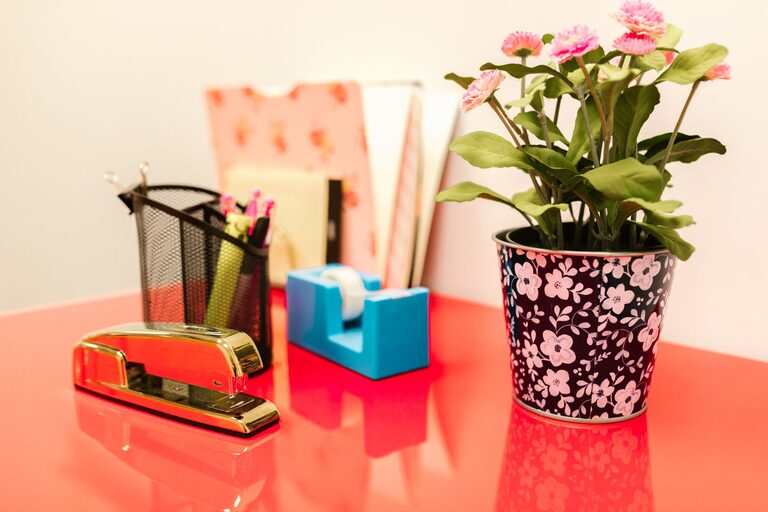
Creating an inviting and organized workspace can have a positive impact on your focus and overall mood. However, many feel overwhelmed by the idea of a full workspace overhaul. The good news? You don’t need hours or special tools to refresh your workspace. With just ten minutes, you can make a noticeable difference that helps you work more comfortably and efficiently.
In this post, we’ll guide you through easy, practical steps to refresh your workspace quickly, whether you work from home, an office, or a shared space.
Why Refresh Your Workspace?
Your environment plays a key role in how you feel and perform throughout the day. Clutter and distractions can reduce concentration, while a tidy, pleasant space encourages productivity and calm. A quick refresh can:
– Improve focus
– Reduce stress
– Create a more enjoyable work atmosphere
– Help you start fresh with new energy
Now, let’s dive into how you can achieve this in just ten minutes.
Step 1: Clear Surface Clutter (3 minutes)
Start by removing unnecessary items from your desk or work surface.
– Put away items you don’t use daily, like old papers, empty mugs, or extra gadgets.
– Sort papers into “keep” and “discard” piles. Recycle what you don’t need.
– Place essentials like your computer, notebook, and pen in easy reach.
Clearing the surface instantly creates more space and reduces visual distractions.
Step 2: Wipe Down Your Workspace (2 minutes)
Once cleared, grab a damp cloth or disinfecting wipes and quickly clean your desk, keyboard, mouse, and monitor.
– Dust and grime build up quickly, and cleaning helps your equipment last longer.
– Wiping down also makes the space feel fresher and more inviting.
If you have indoor plants or decorations, dust those too while you’re at it.
Step 3: Reorganize for Efficiency (3 minutes)
Organize your items in a way that supports your workflow.
– Group similar items together—pens in a holder, papers in trays or folders.
– Position frequently used items within easy reach.
– Tidy cables and chargers using clips or ties if available.
A well-organized workspace reduces time spent searching for things and makes work smoother.
Step 4: Add a Personal Touch (1 minute)
Personal touches can make your workspace feel more welcoming.
– Place a small plant, a favorite photo, or an inspiring quote where you can see it.
– Avoid overcrowding; choose one or two items that bring you joy or motivation.
This simple step helps create a space that feels uniquely yours.
Step 5: Freshen the Air (1 minute)
Finally, open a window, light a candle, or use a subtle air freshener to improve the air quality and atmosphere.
– Fresh air can boost alertness and energy.
– Pleasant scents can improve mood, but keep it subtle to avoid distraction.
Bonus Tips for Maintaining Your Workspace
To keep your workspace refreshed longer, consider:
– Setting a weekly timer for a quick tidy-up.
– Keeping a small trash bin and organizer nearby for easy cleanup.
– Limiting non-work items to maintain focus.
Conclusion
Refreshing your workspace doesn’t have to be a time-consuming task. With these simple steps, you can revitalize your work area in just ten minutes, making it a more pleasant and productive place. Try incorporating this quick routine into your day or week to enjoy a cleaner, more inspiring workspace.
Give it a try today—you might be surprised at how much a little refresh can improve your workday!